One price, forever
Try it free for 7 days, then pay once and it’s yours — every future update included. Remote apps that charge weekly are the problem Clicker exists to fix.
POST /keypress/Select
Free for 7 days. Then one price, forever. No ads, no subscriptions, no account.
App Store · soon
POST /keypress/Up
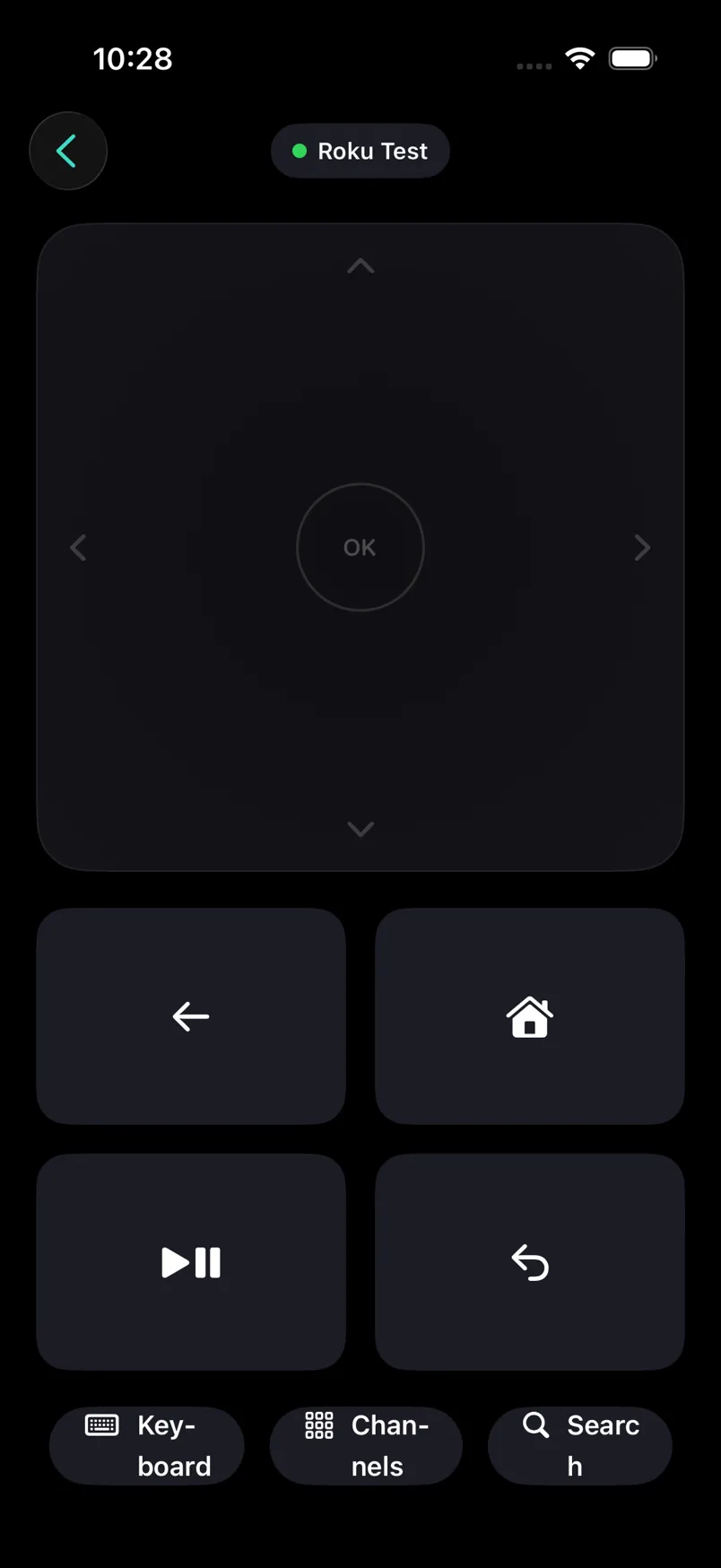
Clicker’s remote is one big swipe surface. Swipe anywhere — up, down, left, right — and it presses the matching key on your Roku, with a haptic tick so you feel it register. Tap for OK.
No hunting for a button in the dark, no lighting up the room with your phone. Your thumb knows the way, and your eyes never leave the screen.
GET /query/device-info
Clicker has no server to rent and no data to sell. That one fact is the price, the speed, and the privacy.
Try it free for 7 days, then pay once and it’s yours — every future update included. Remote apps that charge weekly are the problem Clicker exists to fix.
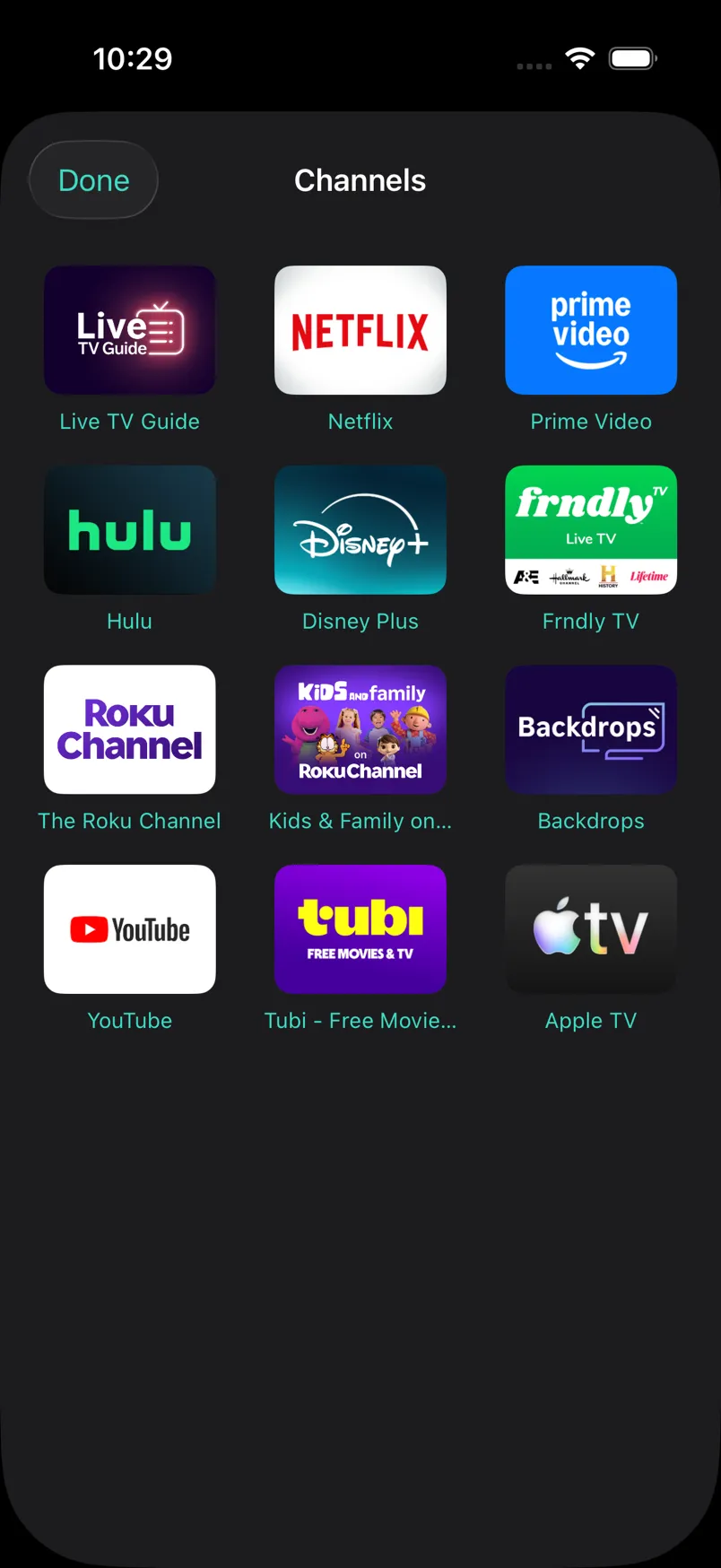
Open the app and it finds every Roku on your Wi-Fi. Switch between devices with a tap, type with your keyboard, launch channels, and control volume and power on Roku TVs.
No account. No trackers. Commands go straight from your phone to your Roku over your own Wi-Fi — nothing leaves your network.
POST /keypress/Back
| Feature | Clicker | Typical remote apps |
|---|---|---|
| Price | One-time, yours forever | Weekly subscription |
| Ads | Never | Banner and video ads |
| Trackers & analytics | None | Usually several |
| Account required | No | Often |
Based on common patterns across popular third-party remote apps. No specific product implied.
POST /keypress/Play
The beta runs through Apple’s TestFlight in small batches. Leave your email and you’ll get an invite when a spot opens — it’s used once, for the invite, and nothing else.
GET /query/apps
Any Roku device on your Wi-Fi — streaming sticks, boxes, and Roku TVs. Volume and power controls appear automatically when your device is a Roku TV.
The trial ends and Clicker asks you to buy it — once. Pay one price and it’s yours forever, updates included. If you don’t, it stops working; no charge ever sneaks through.
Yes. Clicker talks directly to your Roku over your local network — that’s what makes it fast and private. It can’t control a Roku over the internet, by design.
No account, ever. And no internet — just your Wi-Fi. The email you leave on this site is only for a beta invite; the app itself never asks for anything.
Leave your email above. Invites go out through Apple’s TestFlight in small batches; when a spot opens you’ll get a link to install the beta free.